From application to verified documents
The full walkthrough: applying, setting up, issuing documents, and what happens when a recipient asks to verify.
Apply, and we review your credentials
You submit a short application: your name, email, credential type, license state(s), and NPI number. There is nothing to install and nothing to pay at this stage.
- We confirm your license and NPI against public registries, such as your state's license lookup and the NPI registry.
- We reply by email, usually within 2 business days.
- Once approved, you choose a plan (Solo, Practice, or Group) and your first 14 days are free, with no card needed to start.
Set up your practice profile once
Before issuing your first document, you set up the identity that appears on your letterhead: your name and credentials, practice name, and contact details. On Practice and Group plans, each additional provider goes through the same credential review and gets their own profile.
Write a letter, or register a form you completed
The portal does two things, and both end the same way: a PDF with its own record ID, logged and ready to be verified.
- You decide whether to issue, and what the document says. Every clinical judgment stays with you.
- Either way the issuance is logged automatically the moment you submit.
- Letters and registered forms count the same against your monthly allowance.
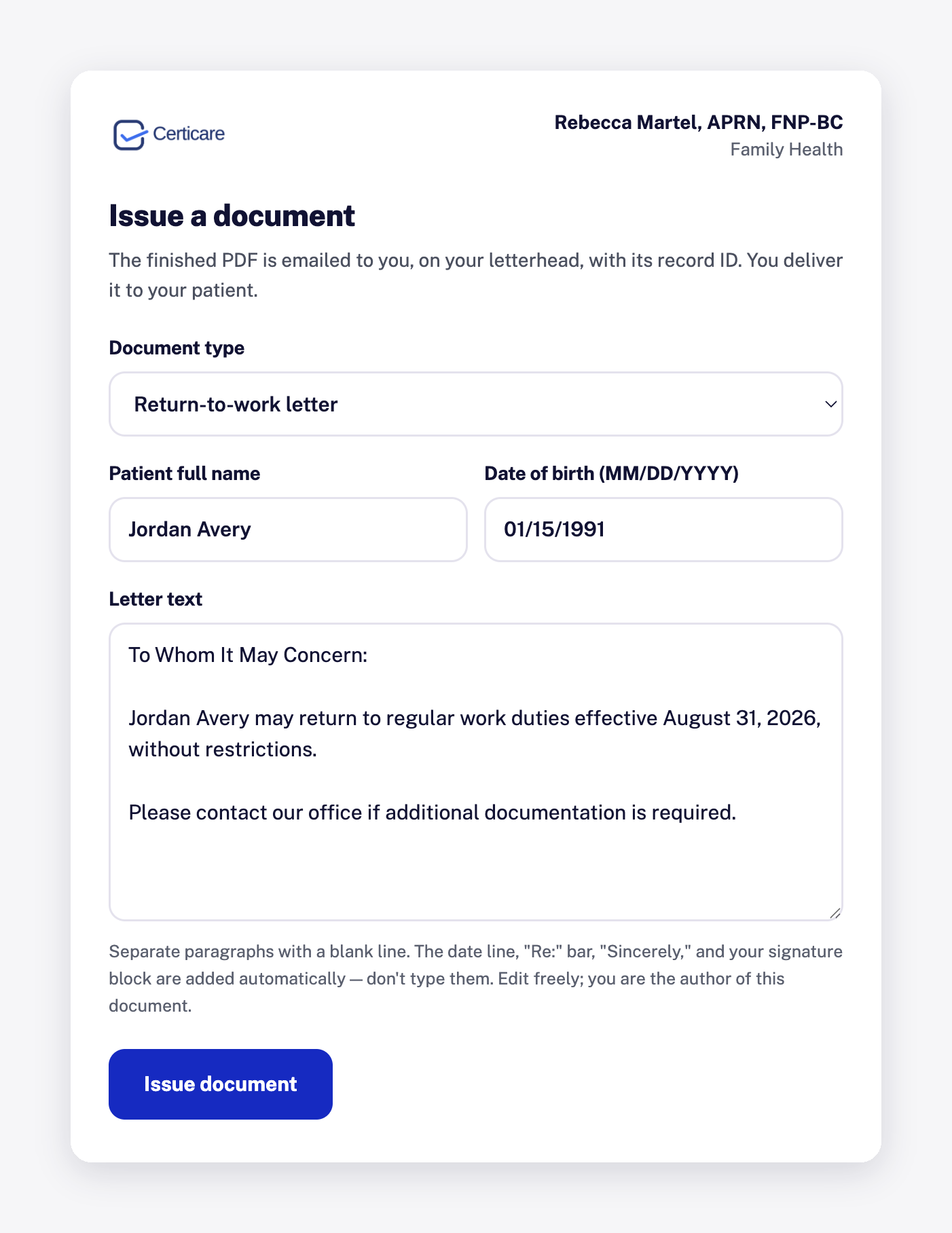
The issuing screen. Your letterhead identity is already set, so only the clinical content changes. A second tab handles form uploads.
Verification is handled for you, in writing
When an employer, school, insurer, or other recipient wants to confirm a document, they follow the verification route on the document. They submit a written request with a copy of the document, their name, role, and organization, and one specific question.
- A clinician reviews every request individually; the answer always comes in writing.
- The answer confirms two things: the document was issued, and the copy submitted matches the issuance record.
- Anything beyond issuance and record match, such as medical detail, may require the patient's signed authorization or another lawful basis.
What the issuance record holds
Every document issued or registered through the platform is logged at that moment. The record is what verification requests are checked against, and it stays available even if a subscription later ends, so documents already issued remain verifiable.
- The document's record ID
- The issuing provider and issuance date
- Whether Certicare wrote the letter or the provider registered a completed form
- The document as issued, for record-match checks
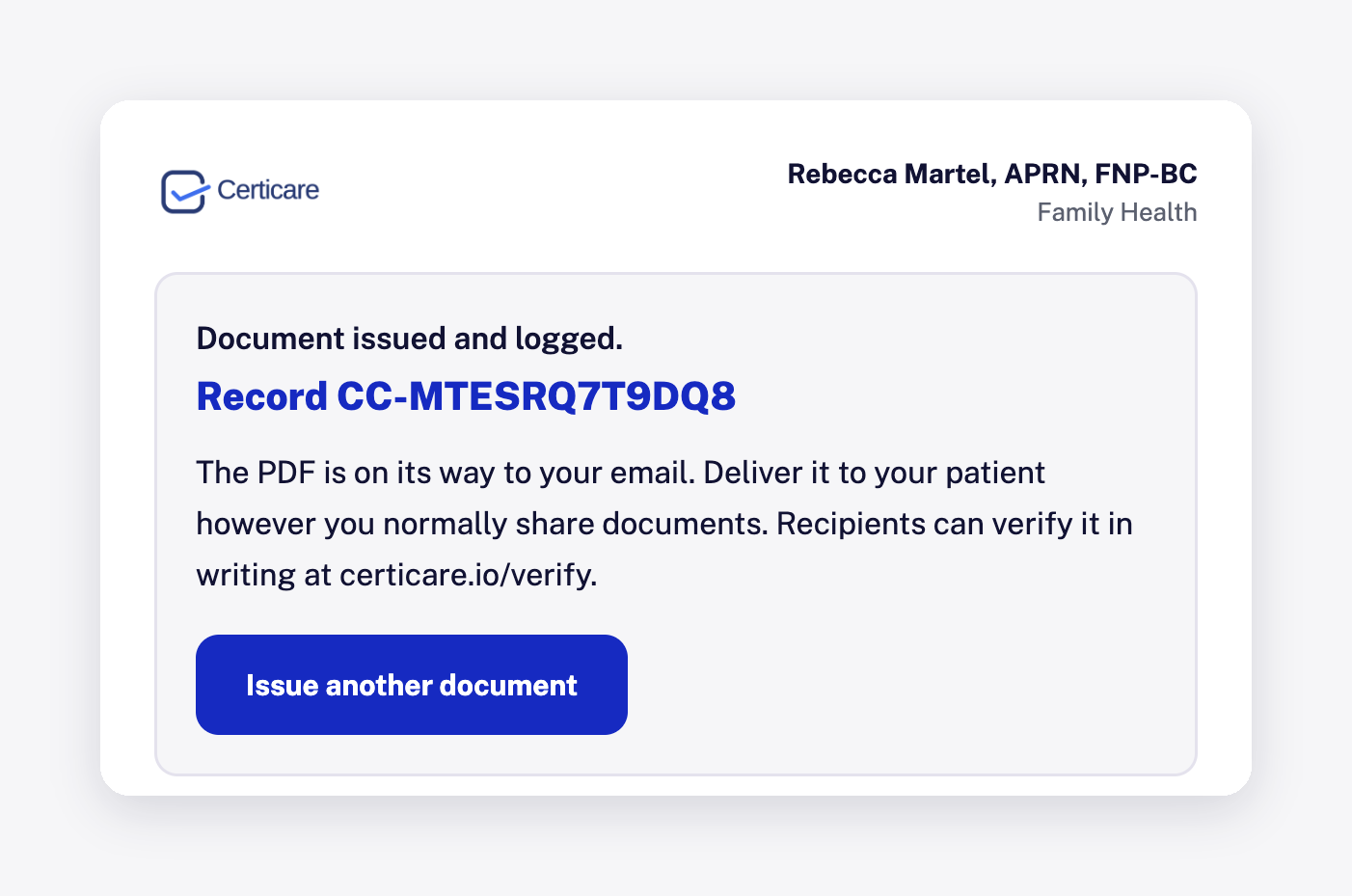
The record ID appears the moment a document is issued or registered, and is printed in the document's footer.